Capital Gains Fx← Back to home

Account setup guide

Open your trading account
step by step.

Follow this guide to create your Vantage account, complete verification, fund it and connect it to MetaTrader 5.

Before you begin

Have these ready

Referred by

ZcHUP6kw

Enter this code in the “Referred by” field while completing the registration form.

01

Start here

Open the registration page

Open the account link, enter your email and tick the required acknowledgements. Select the orange Proceed button shown in the screenshot.

ImportantThe selected entity and available regulatory protections can differ by country. Read the on-screen disclosure carefully before continuing.
Open Vantage registration →
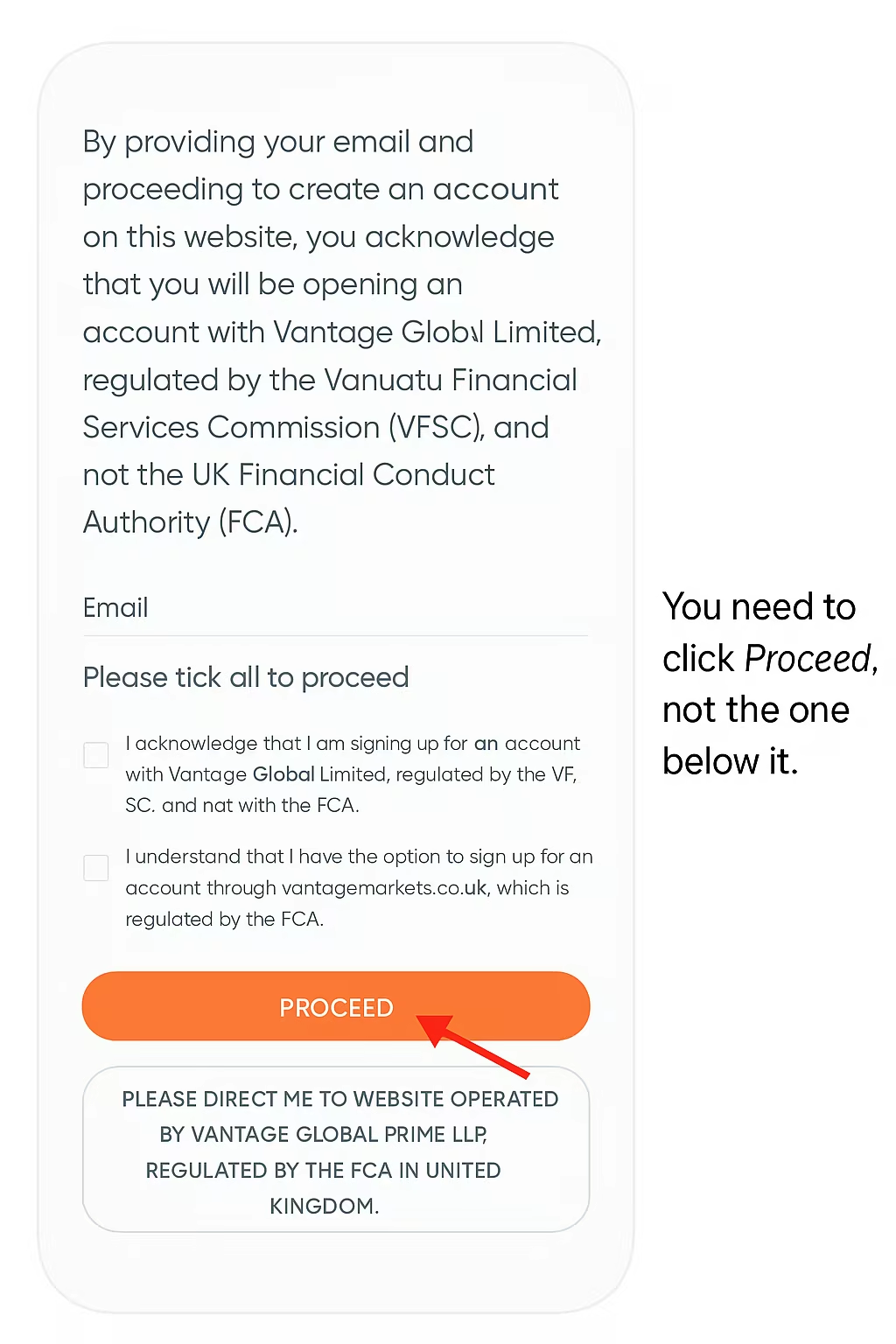
Vantage registration disclosure with the Proceed button highlighted
Select the correct continuation option.
02

Create your account

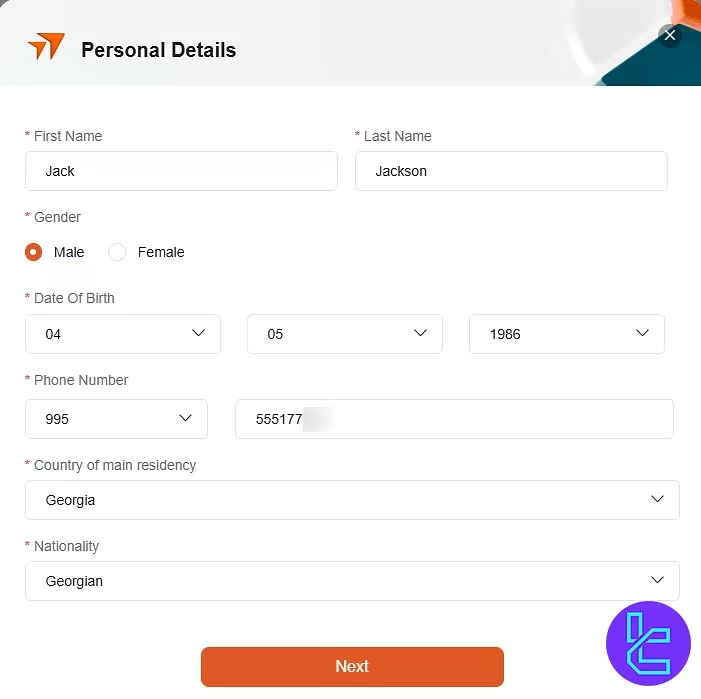
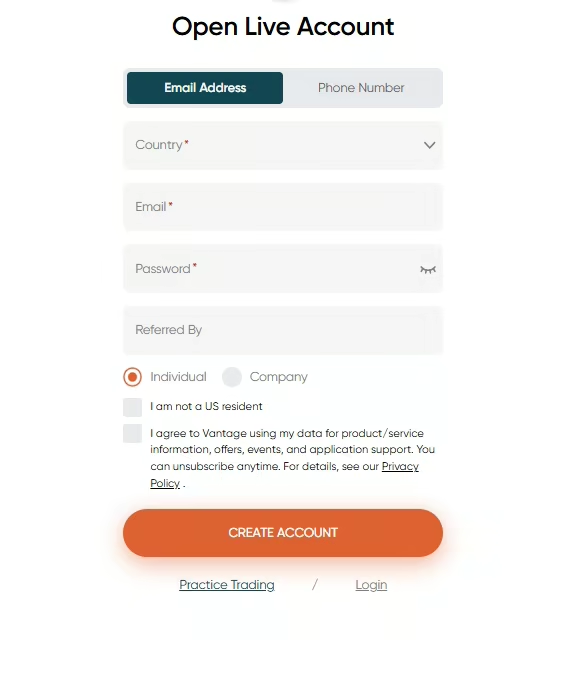
Enter your details

Select your country, enter your email and create a secure password. Choose Individual, add ZcHUP6kw in the referral field and verify your email.

  • Use your legal name exactly as shown on your ID
  • Choose your actual country of residence
  • Check your inbox to complete email verification
03

Trading account

Choose the account settings

Use the configuration below so the platform setup matches the trading guidance used by the community.

PlatformMetaTrader 5MT5 only
Account typeStandard STPStandard account
Base currencyGBP (£)Pound sterling
04

Identity check

Complete verification

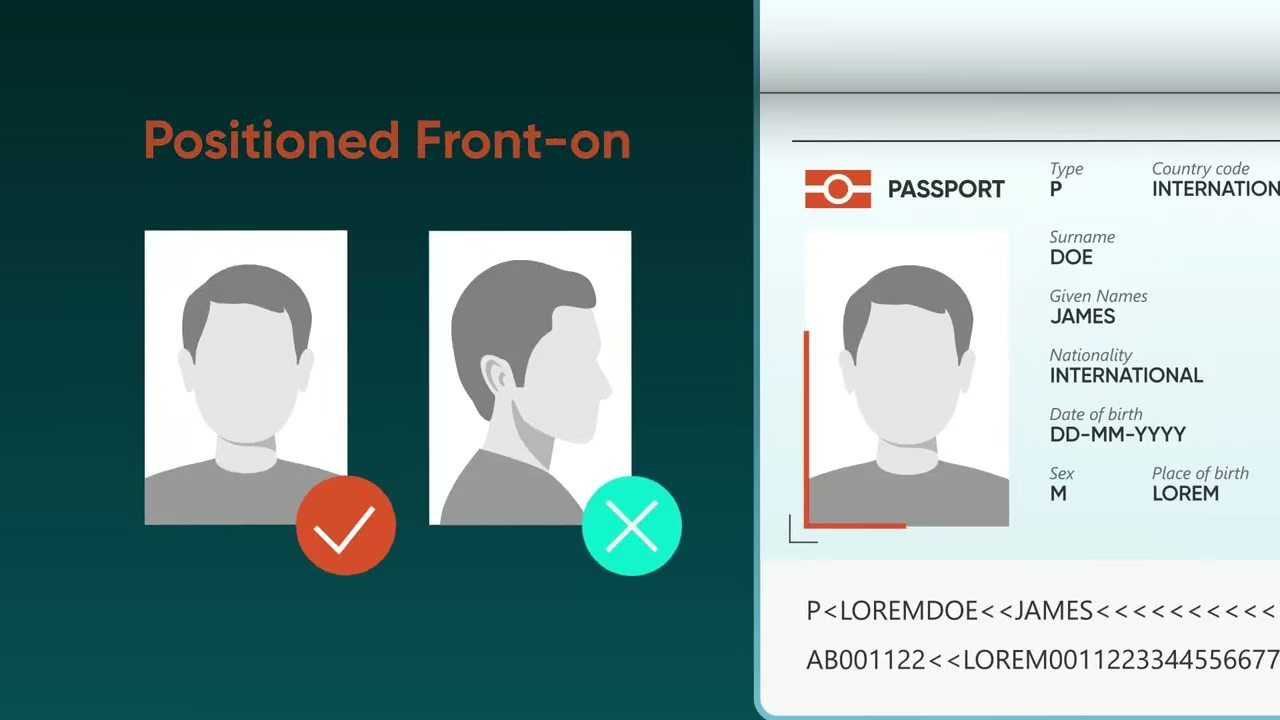
Upload a government-issued ID and a recent proof of address when requested. Make sure every image is sharp, evenly lit and shows the entire document.

  • Keep the document positioned front-on
  • Avoid glare, shadows and cropped edges
  • Make sure all registration details match
Example of correct identity document positioning
Document photo guidance
05

Fund the account

Check promotions and deposit

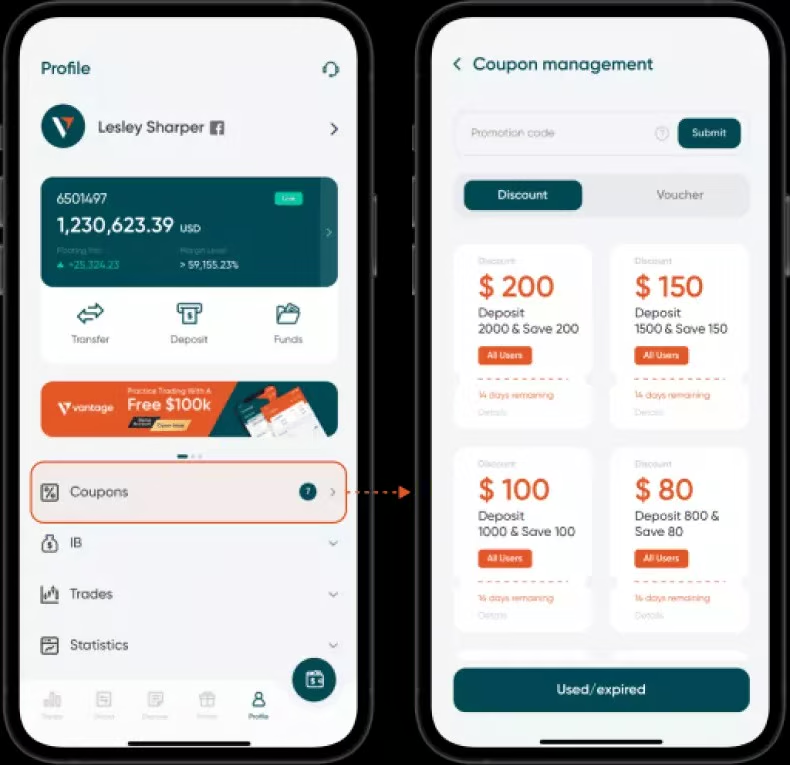
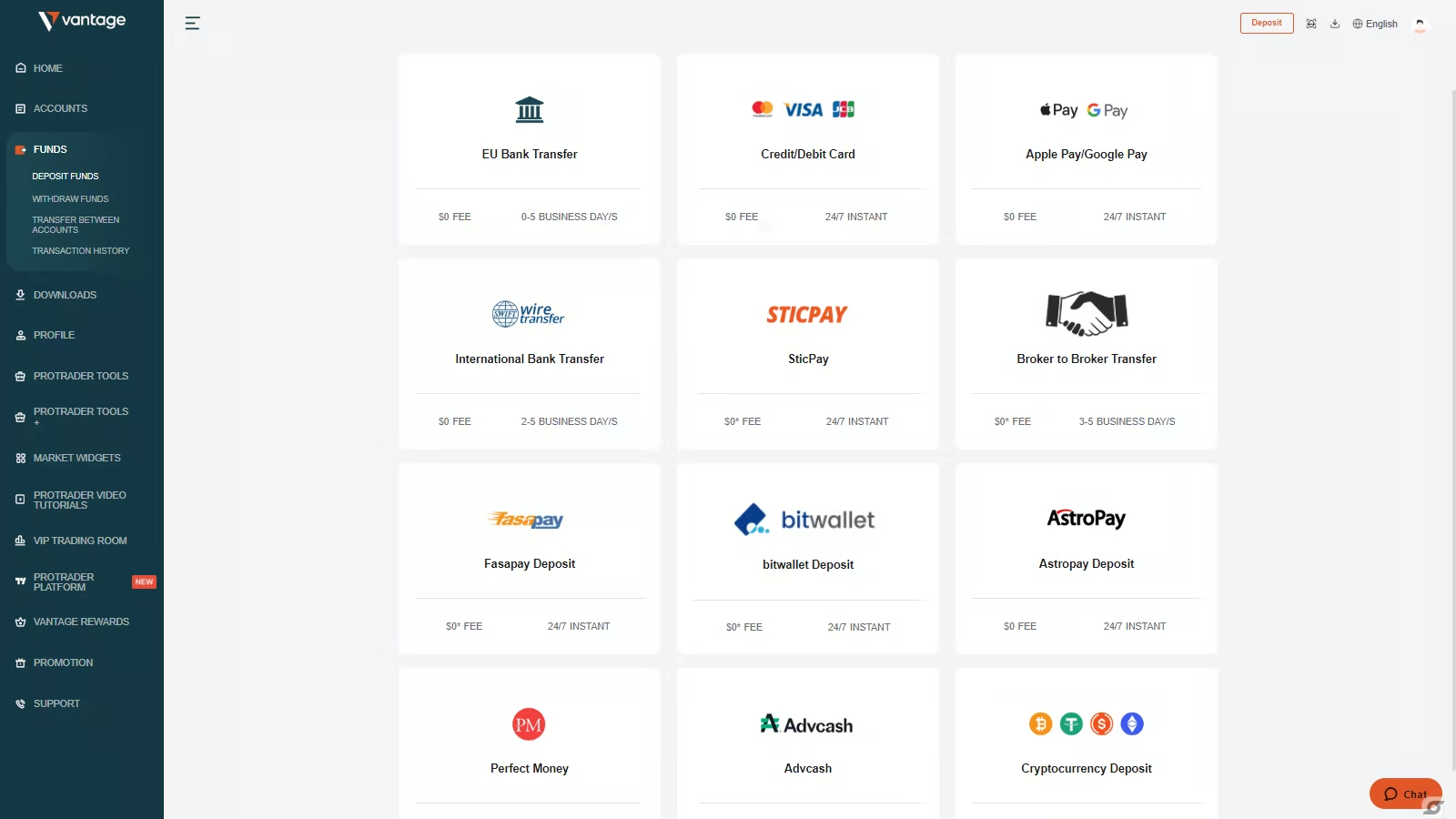
Review the available promotions in your client portal before funding. Then go to Funds → Deposit Funds and choose your preferred payment method.

Before depositingPromotions, minimum deposits and eligibility vary by account, location and date. Check the current broker terms in your portal.
Vantage coupon management in the mobile app
Promotions and coupons
Vantage deposit methods screen
Deposit options vary by region
06

Connect the platform

Log in to MT5

After approval, Vantage will email your MT5 account number, password and exact live server name.

  1. Open MT5 and choose Manage Accounts.
  2. Tap +, then choose Login to an Existing Account.
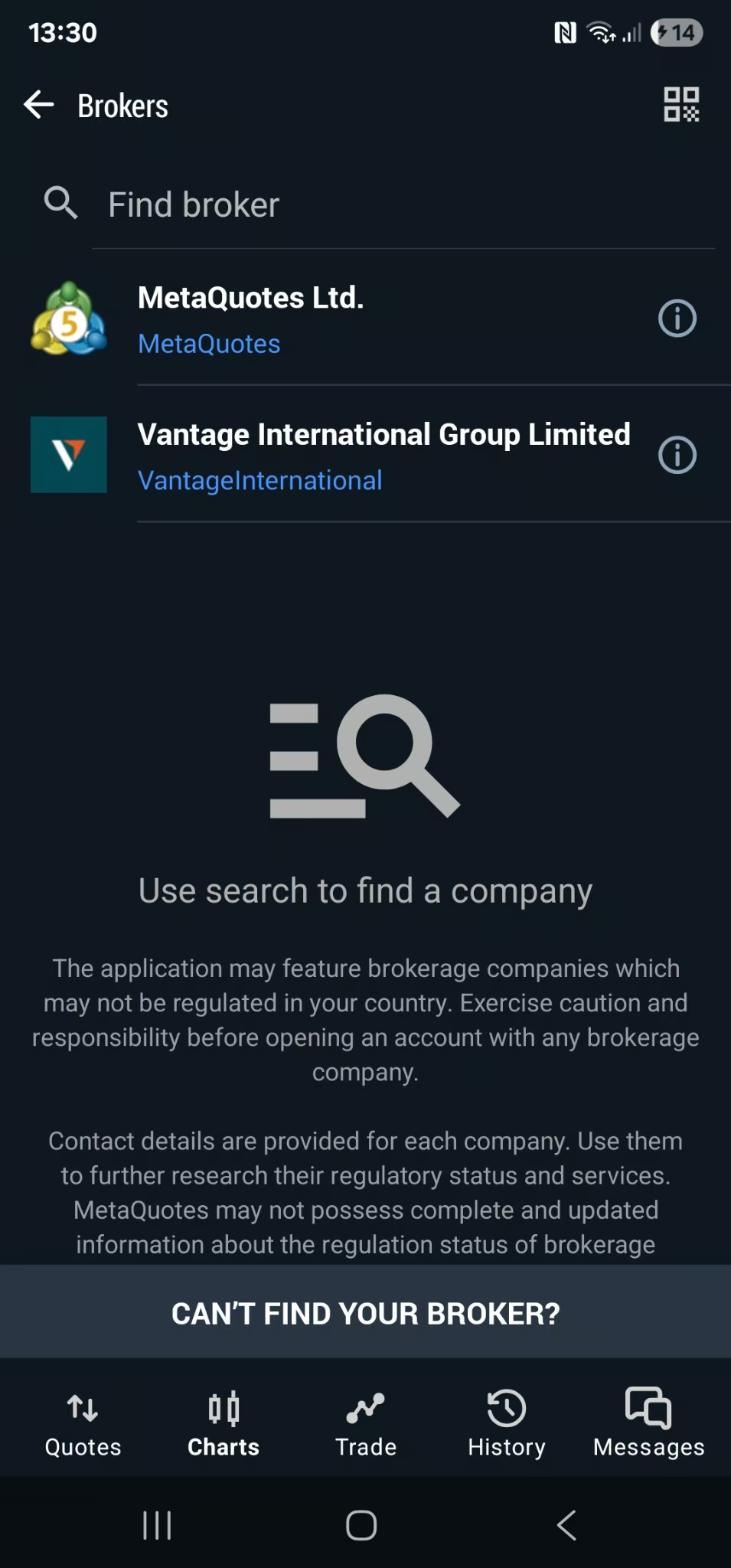
  3. Search for Vantage and choose the exact live server from your email.
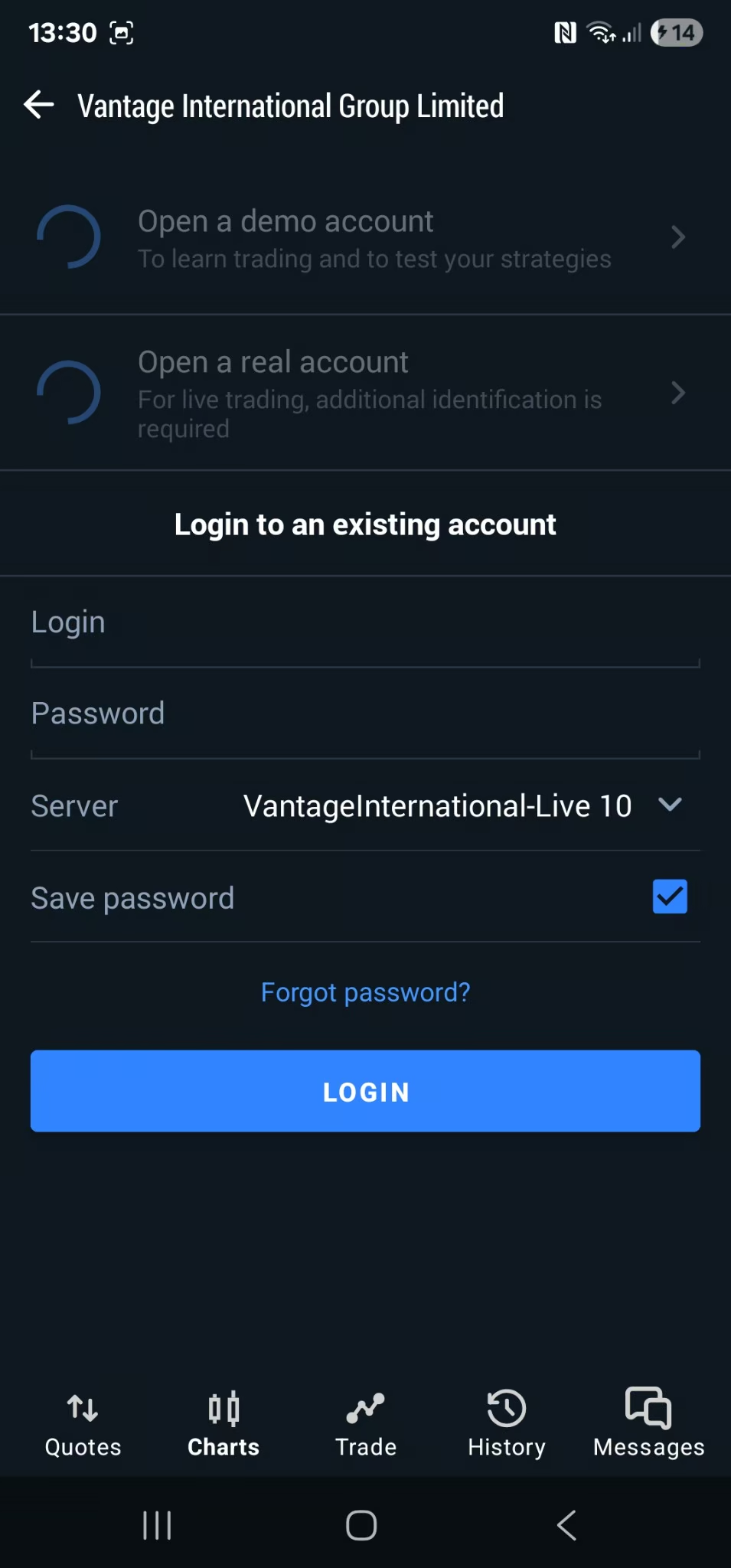
  4. Enter your account number and password, then log in.
“Invalid account”?The most common cause is the wrong server. Recheck the welcome email and select the matching live server name.
Finding Vantage in MetaTrader 5
Find the broker
Logging in to a Vantage account in MetaTrader 5
Enter login and server

Desktop setup

Using MT5 on a computer?

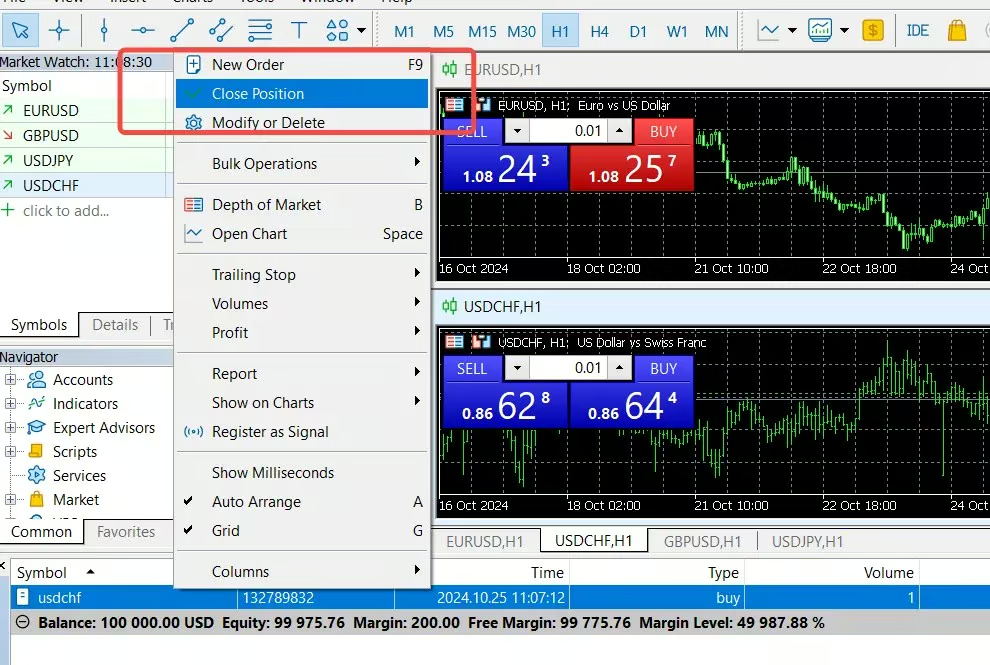
Open File → Login to Trade Account, choose the Vantage live server from your email, then enter your login and password.

MetaTrader 5 desktop platform

Existing Vantage account

Transfer your account
to our IB

If you already have a Vantage account, submit an IB transfer request from the Vantage app.

  1. Open the Vantage app and tap your profile icon.
  2. Select CPA/IB, then choose the option to transfer your account.
  3. Where the app asks for CPA, IB or Sales, select IB.
  4. Enter the IB number shown below and submit the request.
Our IB number32374310

Need a hand?

Open your account or
talk to the community.

Trading leveraged products involves significant risk and may not be suitable for everyone. Review the broker’s current legal documents, fees, promotion terms and regulatory status before opening or funding an account.